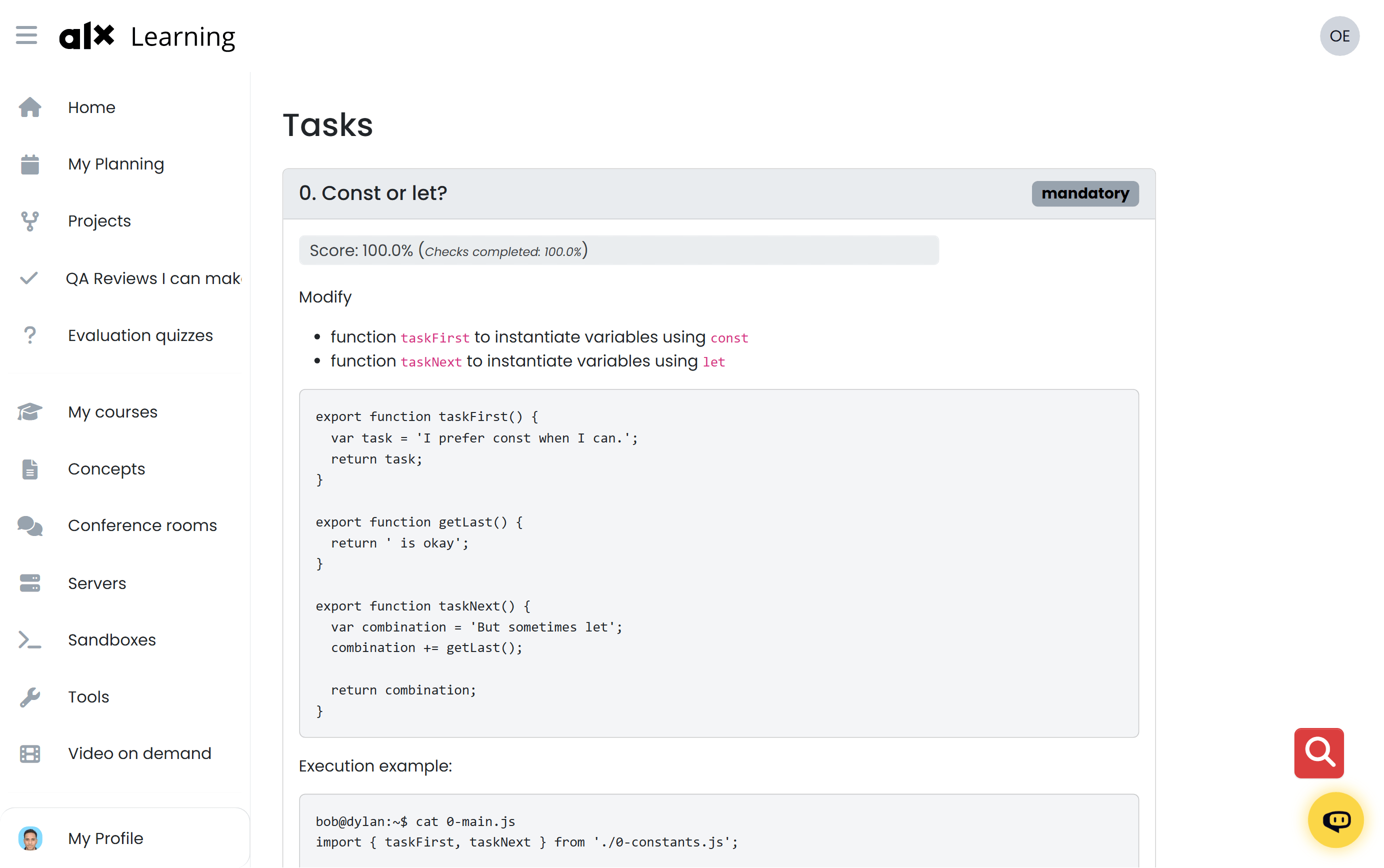
One of the main challenges was that the intranet platform’s HTML structure changes frequently. This made it harder to reliably target page elements using CSS selectors.
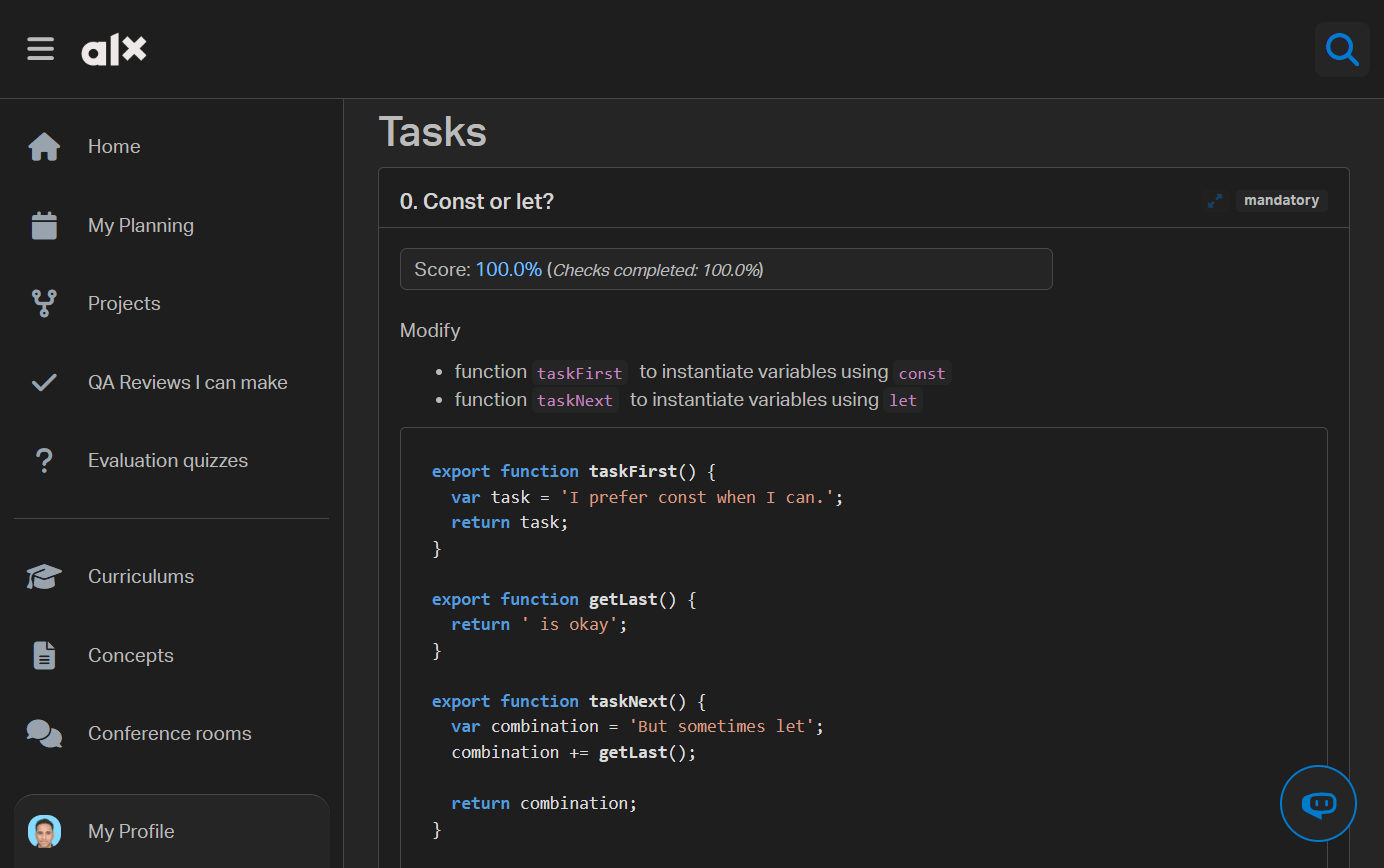
Another challenge was handling code highlighting automatically. Code snippets on the intranet can be written in different languages, so I needed a way to detect the language and apply the correct syntax highlighting without manual setup.
To handle the frequent HTML changes, I spent time creating solid and reliable CSS selectors that could survive small layout and structure updates without breaking the extension.
For code highlighting, I used Highlight.js to automatically detect the programming language and apply proper syntax highlighting to code snippets. This made code easier to read and closer to what developers are used to in real editors.
After the initial release, I continued to push fixes and small improvements over the following months in response to platform changes and user feedback, helping keep the extension stable in production.
One other important decision was making it very easy for other students to contribute. Adding a new theme only requires creating a single JSON file with a color palette and dropping it into the themes directory. The extension automatically detects and loads new themes without extra configuration.